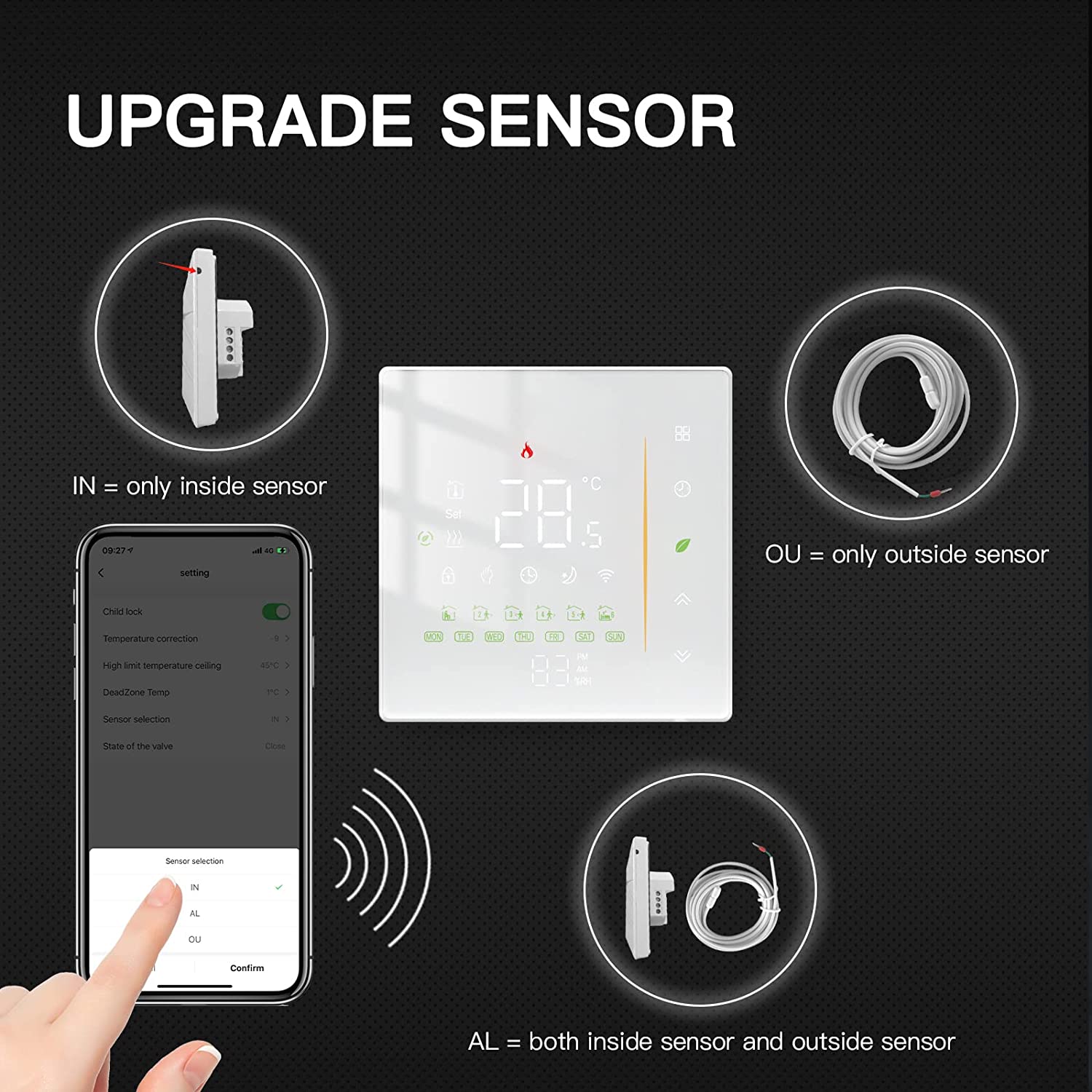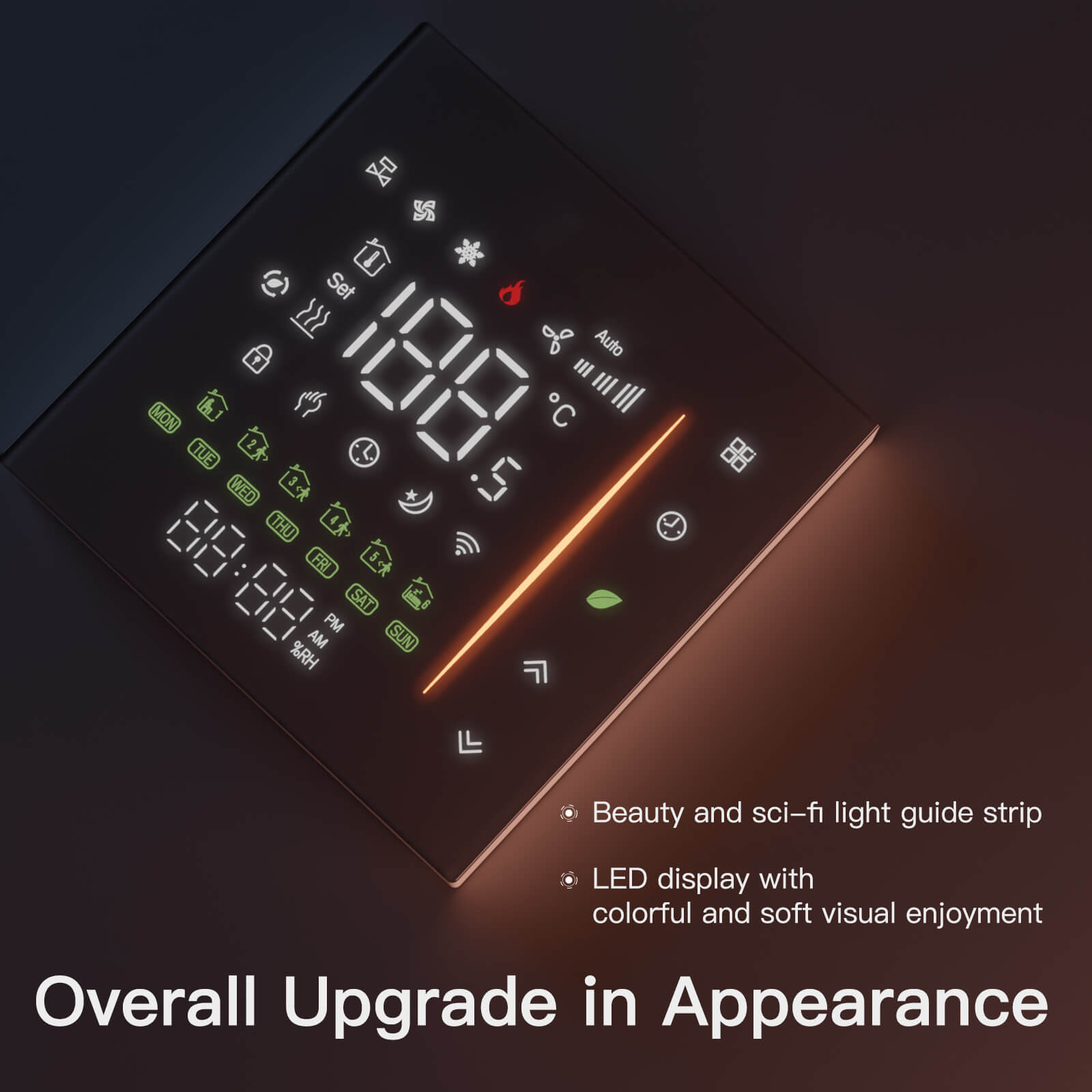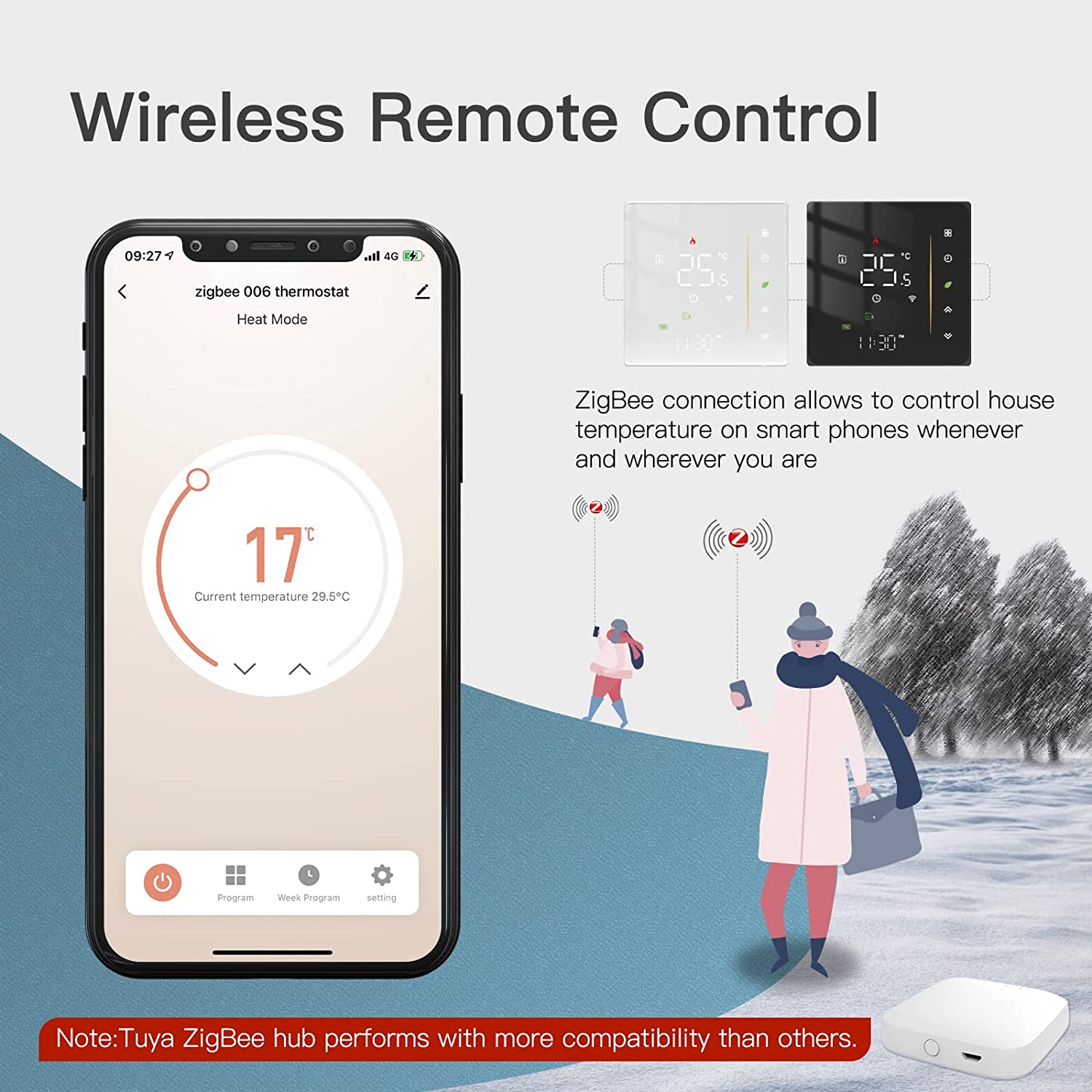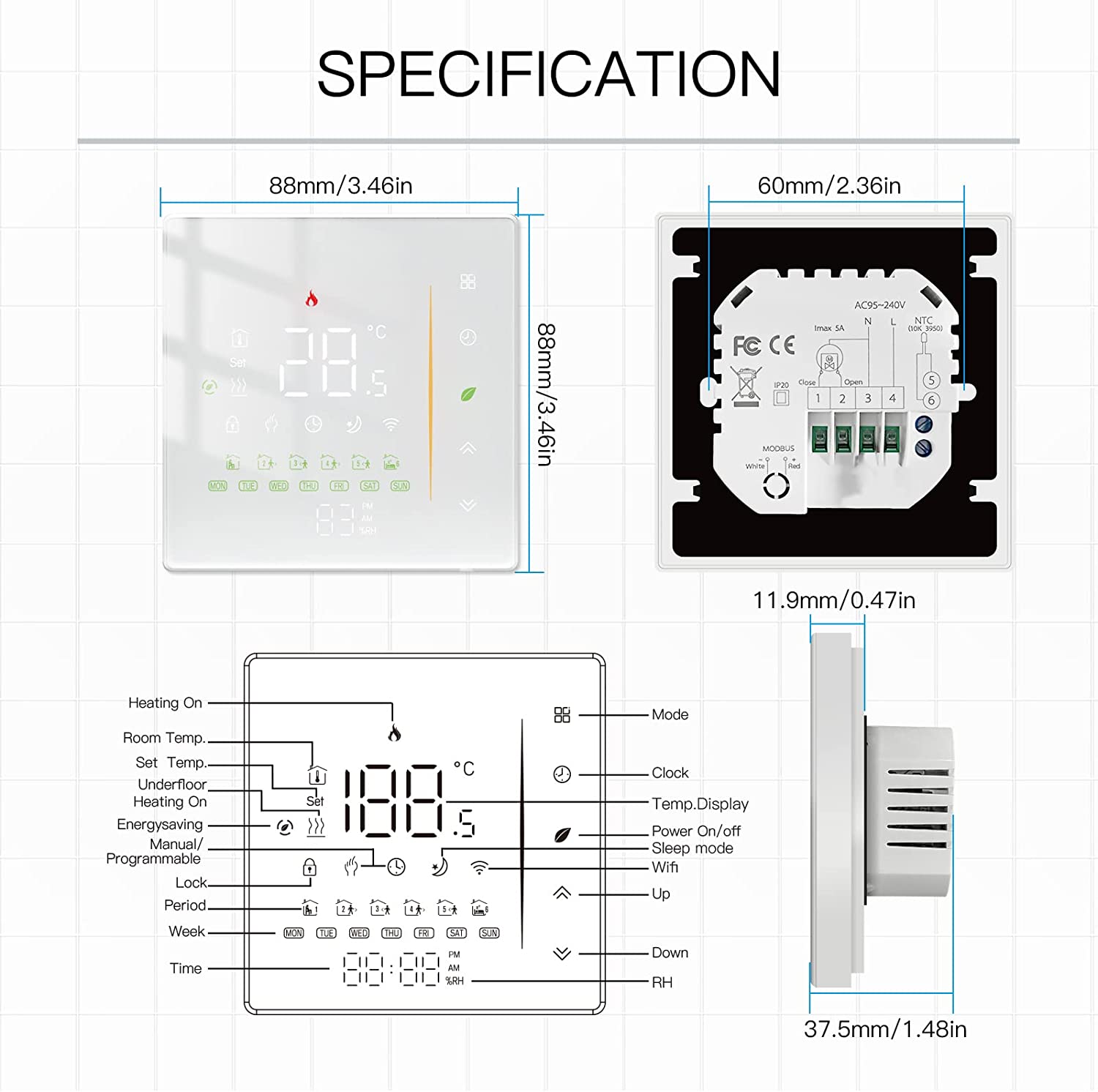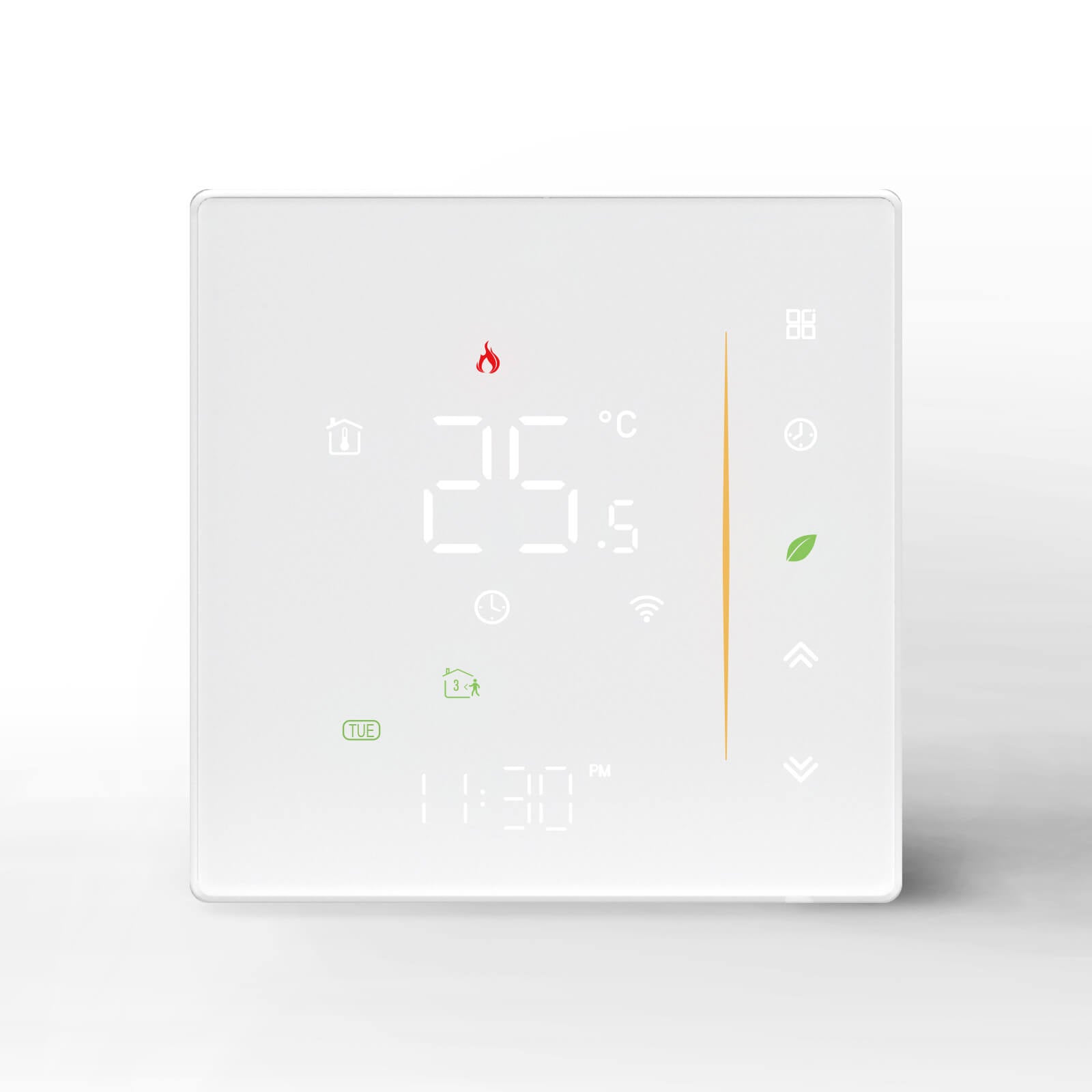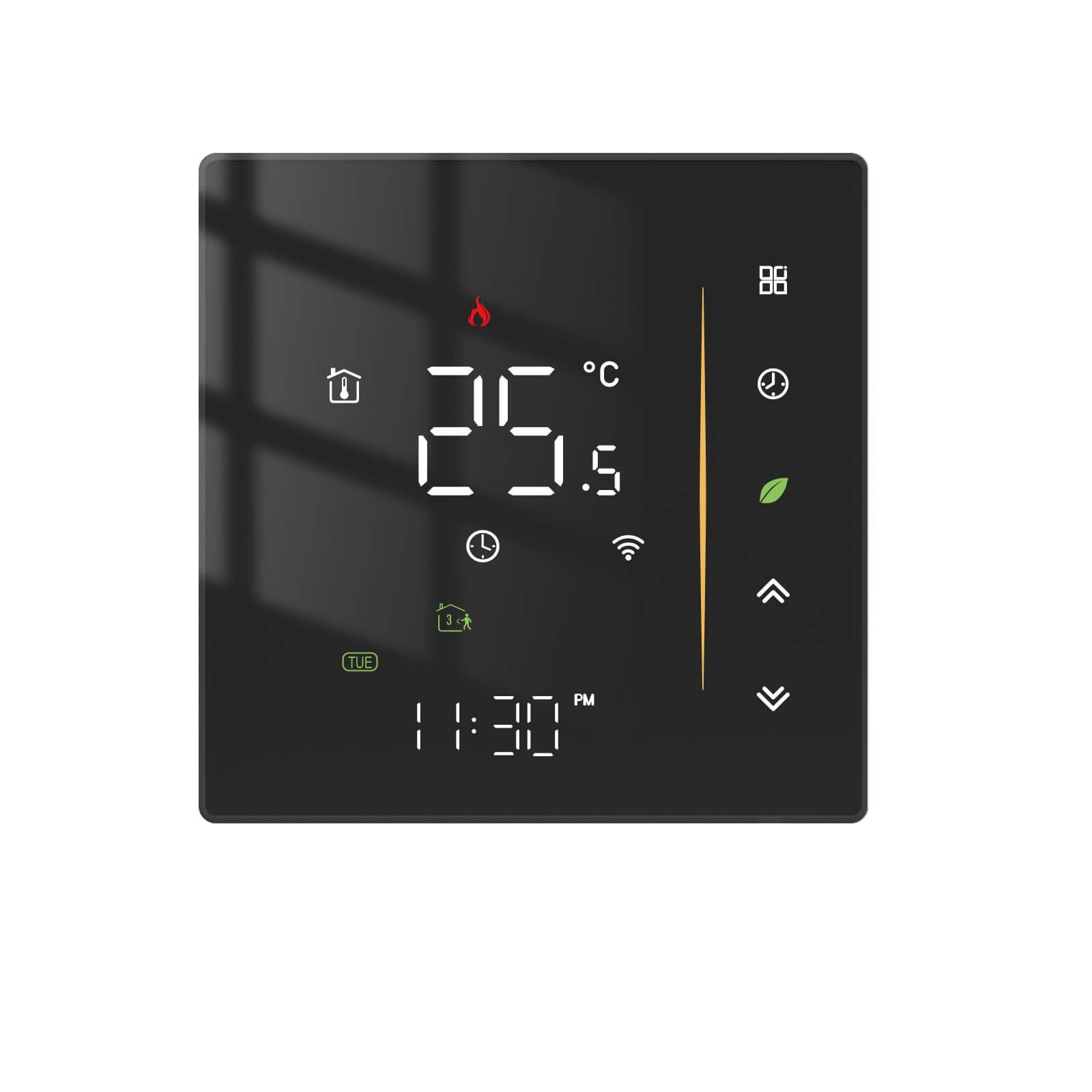
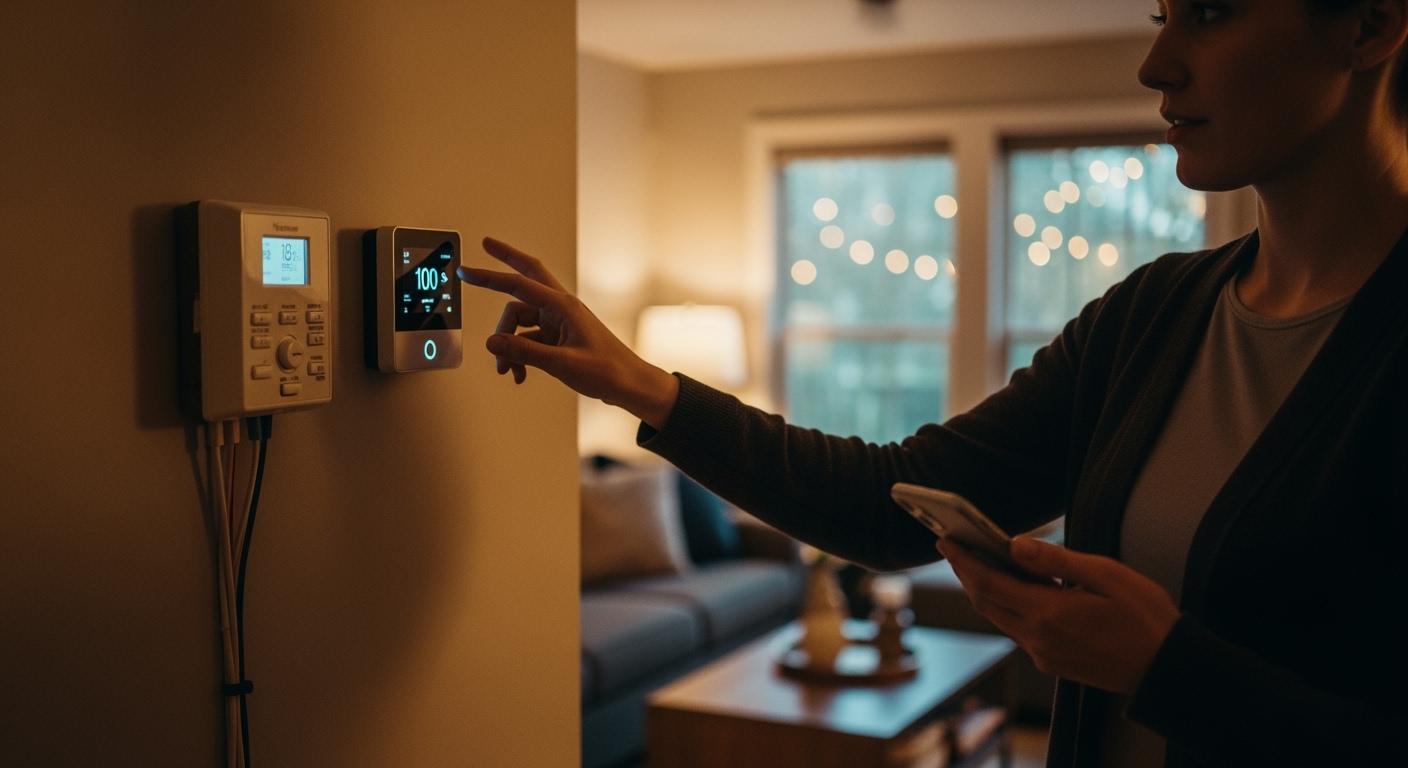
The best thermostat for you in 2026 depends on your home’s wiring, how much money you want to spend, and how you live. Your choice, especially when choosing between wired and wireless thermostats, affects how you control comfort, how reliable it is, and what smart features you get. When considering wired or wireless thermostats, remember that wireless ones let you place the device where you prefer. Wired models usually cost less upfront and have a long lifespan. Smart thermostats now allow you to control them remotely and can learn your habits. Think about what you have now and what you want in the future.
Key Takeaways
-
Wired thermostats work well and save money. They are good for homes that already have wires.
-
Wireless thermostats can go in many places. They have smart features. You can control them with your phone.
-
Think about your home's wires and layout before you choose. This helps make sure it will fit and be easy to set up.
-
Check how much care each type needs. Wired ones need less care than wireless ones with batteries.
-
Look at all the features and prices. Pick the thermostat that matches your needs and budget.
Choosing Between Wired and Wireless Thermostats
If you need to pick between wired and wireless thermostats, you may feel unsure about which is right for your home. This choice is important in 2026. Technology keeps getting better every year. Your comfort depends on picking the right kind. You should get a thermostat that matches your home, fits your budget, and works with your daily life.
Wired Thermostats Overview
Wired thermostats connect to your heating and cooling system with wires. They are usually put on a wall in a main spot. These thermostats get power from your home’s electricity. You do not need to worry about batteries dying. Wired models often cost less at first and last a long time. If your home already has wires, it is easy to install.
Tip: Wired thermostats are good if you want something simple and reliable. They are best if you do not want to move the device.
Wireless Thermostats Overview
Wireless thermostats use radio signals or Wi-Fi to connect to your heating and cooling system. You can put them almost anywhere in your house. Many wireless models let you change the temperature with your phone or tablet. This gives you more choices and freedom. Wireless thermostats are great for homes without wires or if you do not want to make holes in the walls.
-
You can move a wireless thermostat if you change your room.
-
Some wireless models have smart features. They can learn your schedule or change settings when you leave.
When you pick between wired and wireless thermostats, think about your home’s shape, your comfort, and how much control you want. The best choice is what works for you now and what you may need later.
Key Differences
Power and Connectivity
There are some big differences in power and connectivity. Wired thermostats get power from your HVAC system. You do not need to use batteries for them. Wireless thermostats use batteries or sometimes another power source. You will have to change or charge these batteries sometimes.
Here’s a quick table to help you compare:
|
Type |
Power Source |
Battery Requirement |
|---|---|---|
|
Wired Thermostat |
Directly from HVAC system |
No batteries needed |
|
Wireless Thermostat |
Batteries or external power source |
Requires periodic replacements or recharging |
Wireless thermostats connect with radio signals or Wi-Fi. You can control them with your phone or voice. This gives you more freedom and can save energy. Wired thermostats need wires, so you have fewer places to put them. Good wireless models now keep a strong connection. You do not have to worry much about losing signal.
Tip: If you want to move your thermostat or use it from anywhere, wireless is a good pick. If you want something simple and steady, wired is a better choice.
Installation Process
The way you install each type is different. Wired thermostats need you to hook up wires to your HVAC system. If your house already has wires, this is easy. If not, you may need to add new wires. This can take more time and cost more money.
Wireless thermostats are usually easier to put in. You do not need to run wires through your walls. You just put the thermostat where you want it. Then you connect it to your system’s receiver. You still need to make sure your Wi-Fi works well there.
Here are some common installation challenges you might face:
-
Your thermostat might not match your HVAC system.
-
You should check if you have a C-wire for power.
-
You need to pick a good spot for your thermostat.
-
You must make sure your Wi-Fi signal is strong.
-
You will need to finish software setup and updates.
-
You might need to recalibrate the thermostat after installing it.
Note: Always check if your system works with the thermostat before you start. This can help you avoid problems.
Performance and Reliability
Performance and reliability are important when picking a thermostat. Wired thermostats have fewer things that can break. They do not need Wi-Fi or software updates. You get steady performance and almost no signal loss. These are best for homes where you do not plan to move them.
Wireless thermostats let you pick where to put them. You can move them if you change your room. They need batteries and have more parts that can break. Sometimes, you might lose Wi-Fi or see software bugs. Still, many wireless models work well and stay connected most of the time.
Here’s a table to help you compare:
|
Feature |
Wired Thermostat |
Wireless Thermostat |
|---|---|---|
|
Reliability |
⭐⭐⭐⭐⭐ |
⭐⭐⭐⭐ |
|
Placement flexibility |
⭐⭐ |
⭐⭐⭐⭐⭐ |
|
Installation effort |
Medium |
Low–Medium |
|
Smart features |
Limited |
Moderate |
|
Best for |
Permanent installs |
Retrofits, efficiency |
You might see these common issues:
|
Issue Type |
Description |
|---|---|
|
Power Failures |
A blank screen or unresponsive system often means a power problem. |
|
Wiring Faults |
Loose or wrong wiring can cause your system to stop or act strange. |
|
Connectivity Problems |
Smart thermostats may lose Wi-Fi or have software bugs that affect use. |
If you want the most reliable setup, wired thermostats are a great pick. If you want more features and flexibility, wireless thermostats are a strong choice.
Choosing between wired and wireless thermostats depends on what you care about most—steady performance or more control and smart features.
Pros and Cons
Wired Thermostats: Pros & Cons
Wired thermostats have been around for a long time. You might see them in older homes or in places where people want something simple. Let’s look at what you get when you pick a wired thermostat.
Pros of Wired Thermostats:
-
Reliable Power: Wired thermostats get power from your home’s electrical system. You never have to worry about batteries running out.
-
Stable Connection: You get a steady link to your heating and cooling system. Wired models rarely lose connection or signal.
-
Lower Upfront Cost: Most wired thermostats cost less than wireless ones. You can save money at the start.
-
Long Lifespan: These devices last for years. You do not need to replace them often.
-
Simple Operation: Wired thermostats usually have easy controls. You can set the temperature without learning new tech.
Cons of Wired Thermostats:
-
Limited Placement: You must install the thermostat where the wires are. You cannot move it to another room without extra work.
-
Harder Installation in Some Homes: If your house does not have the right wires, you might need to hire an expert. Running new wires can be messy and expensive.
-
Fewer Smart Features: Many wired models do not have advanced options like remote control or learning your habits.
-
Not Ideal for All Homes: If you live in a new build or a home without existing wires, a wired thermostat may not work for you.
Tip: If you want a thermostat that just works and you do not care about smart features, a wired model could be your best bet.
Wireless Thermostats: Pros & Cons
Wireless thermostats are newer and offer more flexibility. You might like these if you want to control your home’s temperature from anywhere or if you do not want to deal with wires.
Pros of Wireless Thermostats:
-
Flexible Placement: You can put the thermostat almost anywhere in your home. Move it if you change your mind about the best spot.
-
Easy Installation: You do not need to run wires through walls. Most people can set up a wireless thermostat with just a few steps.
-
Smart Features: Many wireless models let you control the temperature with your phone or voice. Some can even learn your schedule and help you save energy.
-
Great for Retrofits: If your home does not have thermostat wires, wireless models make upgrades simple.
-
Remote Access: You can adjust your thermostat from anywhere. This is handy if you travel or want to warm up your house before you get home.
Cons of Wireless Thermostats:
-
Battery Maintenance: Most wireless thermostats use batteries. You need to check and replace them from time to time.
-
Possible Signal Issues: Wireless models depend on Wi-Fi or radio signals. If your signal drops, you might lose control for a bit.
-
Higher Upfront Cost: Wireless thermostats often cost more than wired ones. You pay extra for the added features and flexibility.
-
More Complex Setup: Some smart features need apps or software updates. You might spend more time setting things up.
Note: If you want the latest features and the freedom to place your thermostat anywhere, a wireless model could fit your needs.
When you are choosing between wired and wireless thermostats, think about what matters most to you. Do you want something simple and steady, or do you want more control and smart features? Your answer will help you pick the right thermostat for your home.
Key Considerations Before Deciding
Home Layout and Wiring
Your home’s shape and wires matter a lot when picking a thermostat. If your house has only two wires, it likely has a simple heating system. Smart thermostats often need a C-wire for steady power. You can look for extra wires or use a C-wire adapter. Sometimes, you need a professional to help install it. Some thermostats use batteries and do not need a C-wire. Others use power-stealing technology, but this can cause connection problems.
-
Battery-powered thermostats work without a C-wire.
-
Power-stealing models do not need a C-wire, but may lose connection.
-
Wireless thermostats are good for homes with hard layouts or where adding wires is tough.
If you want to save time and skip new wires, wireless thermostats give you more choices for special home designs.
Installation and Upfront Costs
How much you pay to install a thermostat depends on your city and home. In big cities like Austin or Dallas-Fort Worth, labor costs more than in small towns like Murphy, North Carolina. Wired thermostats cost less if your home already has wires. If you need new wires, the price goes up. Wireless models cost more at first, but you can often install them yourself.
-
Wired thermostats: Cheaper if wires are already there.
-
Wireless thermostats: Cost more, but easy to set up yourself.
Smart Features and Flexibility
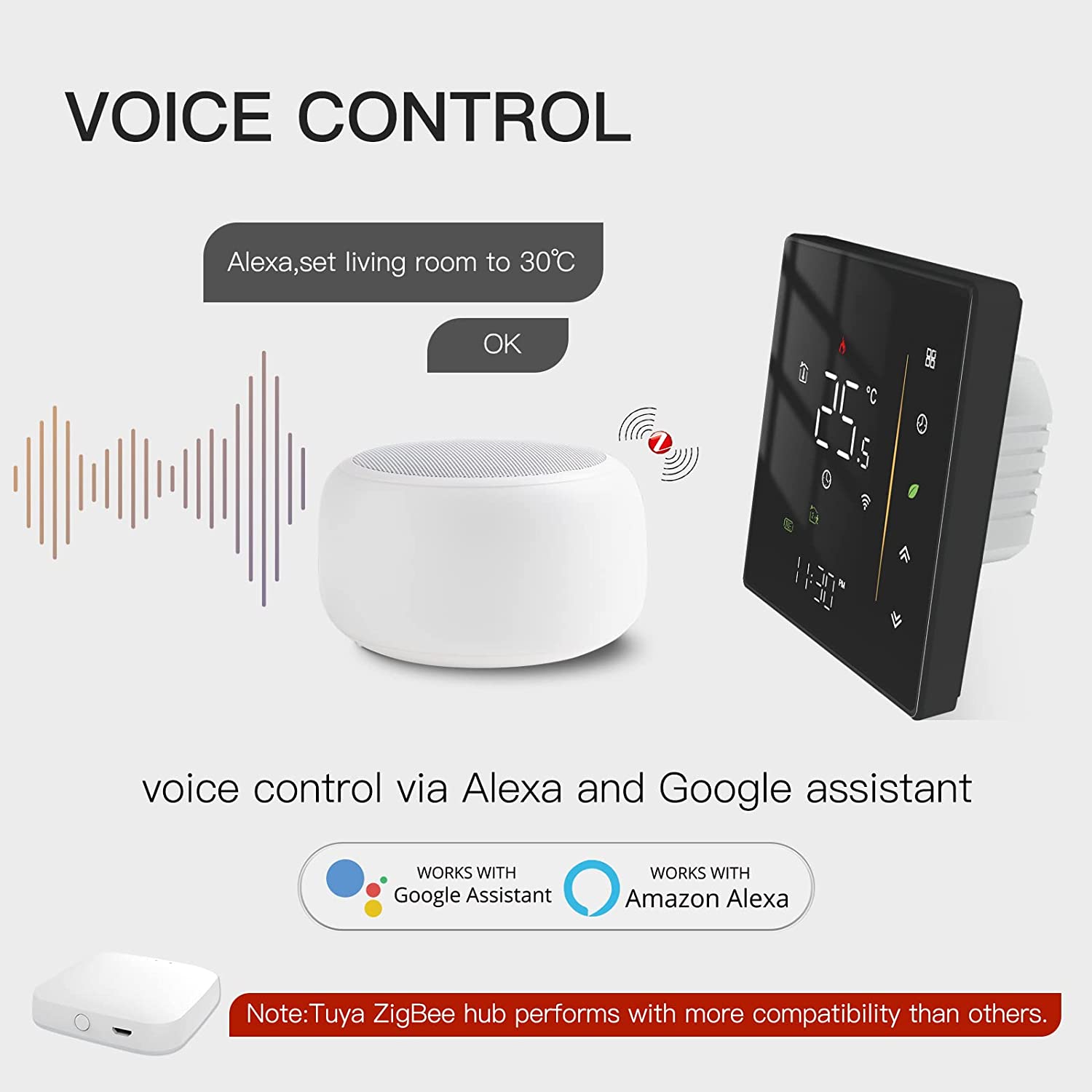
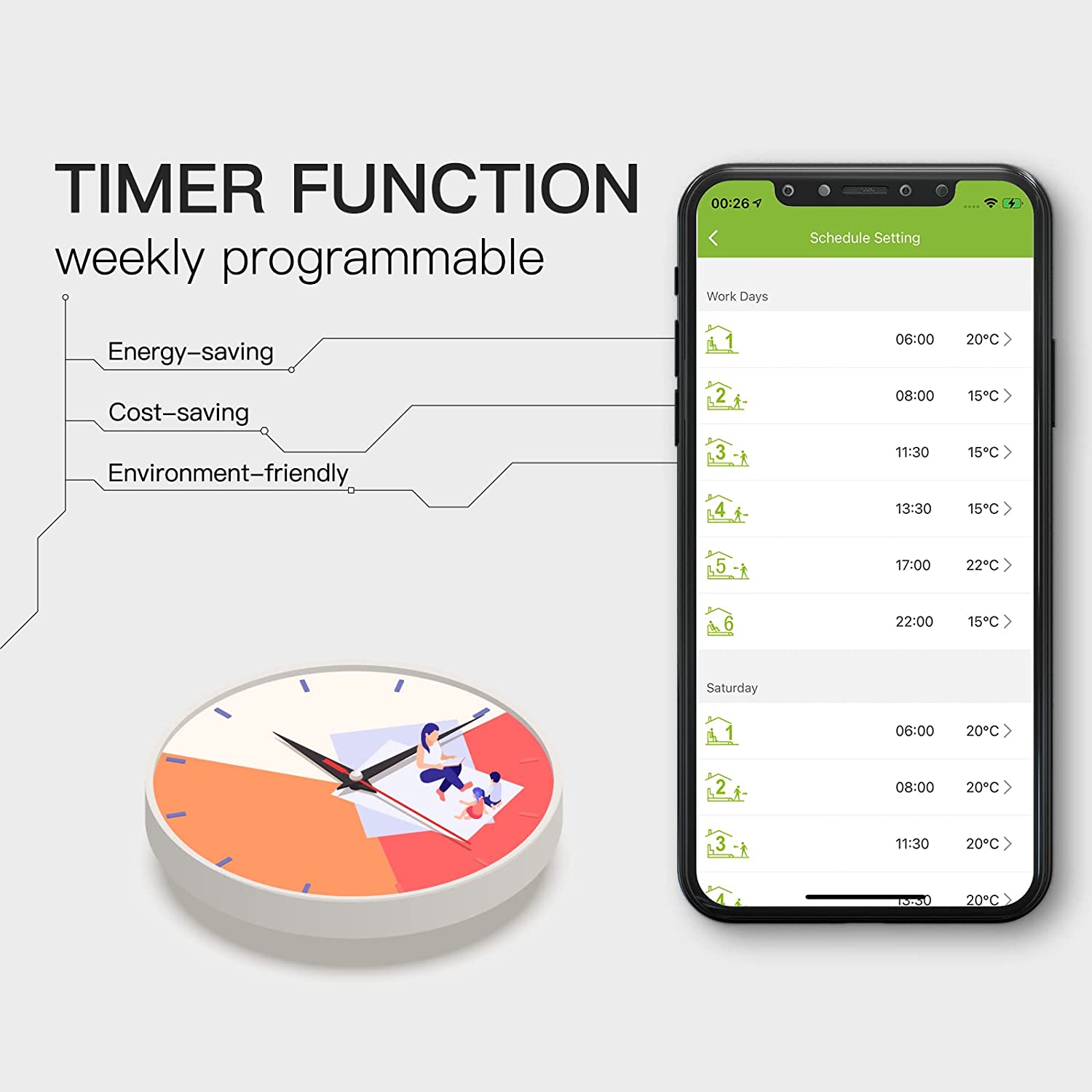
Smart features make things easier. You can use your phone to control the thermostat, set times, and use voice helpers like Alexa or Google Home. Wireless thermostats give you more smart home options and let you control them from far away. Wired models have fewer smart features, but some new ones work with apps.
|
Thermostat Model |
Smart Features |
|---|---|
|
Ecobee Smart Thermostat Premium |
Radar sensor, air quality, voice control, app, smart home compatibility |
|
Google Nest Learning Thermostat |
Occupancy sensor, geofencing, learns routine, Matter support, app control |
|
Honeywell Home T9 Smart Thermostat |
Wireless sensor, geofencing, occupancy, vacation scheduling, app control |
|
Boldr Klima Smart Thermostat |
Geofencing, app, voice control |
|
Cielo Breez Max |
Humidity sensor, geofencing, AI Comfy Mode, app control |
|
Mysa Smart Thermostat |
Humidity, proximity, ambient light sensors, geofencing, energy monitoring, app control |
|
Sensibo Air |
Humidity sensor, geofencing, smart home compatibility |
-
WiFi thermostats let you change settings from anywhere.
-
Wireless models work well with voice helpers and smart home gear.
-
Setting schedules and tracking energy can help you save up to 15% on heating and cooling.
Long-Term Maintenance
Think about how much work you want to do later. Wired thermostats do not need battery changes and last for years with little trouble. Wireless thermostats need new batteries and sometimes software updates. If you want less work, wired models are easier. If you want more control and smart features, wireless thermostats are worth the extra steps.
Want fewer problems? Check battery life and update your app often for wireless thermostats.
Picking between wired and wireless thermostats means looking at your home’s wires, cost to install, smart features, and how much work you want to do. Take your time and choose what fits your life best.
Common Mistakes to Avoid
Overlooking Compatibility
Not every thermostat will work in your house. You can have problems if you pick the wrong one. Sometimes, a new thermostat keeps turning off and on. This can mean it does not match your system. Your heating or cooling might not start at all. That is often because of wiring or voltage issues.
Here are some problems you might see:
-
Your thermostat restarts by itself. This can happen if you do not have a C-wire.
-
The system turns off and on too much. This means the thermostat is not right for your system.
-
Heating or cooling does not work. Bad wiring or the wrong thermostat can cause this.
-
Wi-Fi stops working. Power problems can break your connection.
-
Batteries run out fast. This means your power supply is not correct.
If your house has old wires, you might need a C-wire adapter or power extender. Some thermostats come with these tools. If things are tricky, an HVAC technician can help with the wires. Watch out for voltage problems too. Using a low voltage thermostat on a line voltage system can break your equipment.
Tip: Always check your system’s wires and voltage before you buy a thermostat. If you do not know how, ask a professional.
Ignoring Power Needs
Power is very important for thermostats. Many people forget to check if their system gives enough power. If you skip this, your thermostat might use up batteries too fast or lose its connection. About 40% of people with programmable thermostats do not use the programming. Some turn it off because they do not know how it saves energy.
You should know how your thermostat gets power. Wired models use your home’s electricity. Wireless ones need batteries or a strong Wi-Fi signal. If you forget about power, you might waste energy or lose comfort.
Make sure you know how your thermostat works. This can help you save money and avoid problems.
Underestimating Installation Challenges
Putting in a thermostat can seem easy, but you can get surprises. You might find out you need more wires or special adapters. Some homes have special HVAC features like variable speed fans or dual fuel systems. These need certain thermostats.
Here is a checklist to help you:
|
Challenge |
What to Check Before Installing |
|---|---|
|
Wiring |
Do you have a C-wire or need an adapter? |
|
Voltage |
Is your system low or line voltage? |
|
System Features |
Does your HVAC have special functions? |
|
Placement |
Is the spot good for Wi-Fi and sensors? |
If you have trouble, do not be afraid to call a pro. Getting help now can save you time and money later.
Remember, good planning makes installation easier. Double-check everything before you start.
Comparison Checklist
Feature Comparison
You might want to see how wired and wireless thermostats compare. The table below shows the main features for each type:
|
Feature |
Wired Thermostats |
Wireless Thermostats |
|---|---|---|
|
Web/Smartphone Control |
Yes, full HVAC control (Heat/AC/Off/Auto) |
Yes, full HVAC control (Heat/AC/Off/Auto) |
|
Temperature Range |
35°F to 90°F |
35°F to 99°F |
|
Email Alerts |
Yes |
Yes |
|
Optional Features |
Wired humidity sensors, motion sensors |
Wireless motion sensors, humidity sensors, app push notifications |
|
Multi-Zone Management |
Limited to individual units |
Manages multiple zones with individual schedules |
|
Smart Home Integration |
Limited compatibility |
Works with Apple Home, Google Assistant, Alexa, SmartThings |
|
Offline Functionality |
No |
Yes, keeps schedules even without Wi-Fi |
Tip: If you want to use your phone or smart home devices, wireless thermostats have more choices. Wired thermostats are good if you want something simple and steady.
Decision Checklist
Are you ready to pick a thermostat? Use this checklist to help you decide what is best for your house:
-
Check Compatibility: Does the thermostat work with your HVAC system?
-
Look for Energy-Saving Features: Can you set schedules or use smart controls to save money?
-
Think About Extra Functions: Do you want things like motion sensors, humidity control, or multi-zone management?
-
Consider the Cost: What fits your budget now and in the future?
You do not need to hurry. Take your time and choose a thermostat that fits your home and how you live. If you are not sure, ask a professional for help. Picking the right one will keep you comfortable and help you save energy every day.
Choosing between wired and wireless thermostats comes down to what fits your home and lifestyle. Wired models give you steady power and simple controls. Wireless ones offer more freedom and smart features. Before you decide, think about these tips:
-
Check how easy it is to install.
-
Look for energy-saving features that can cut your bills by up to 15%.
-
Make sure the thermostat works with your smart home devices.
If you feel unsure, use the checklist or talk to a pro. Pick what keeps you comfortable and helps you save.
FAQ
Can I install a wireless thermostat by myself?
Yes, you can! Most wireless thermostats come with easy instructions. You just need to follow the steps and use basic tools. If you get stuck, you can always call a pro for help.
Do wireless thermostats work if my Wi-Fi goes out?
Wireless thermostats usually keep your last settings if Wi-Fi drops. You may lose remote control until your Wi-Fi comes back. Local controls on the device still work.
How often do I need to change batteries in a wireless thermostat?
Most wireless thermostats need new batteries every 6 to 12 months. Some models send you a reminder. Check your app or the screen for battery alerts.
Will a smart thermostat really save me money?
Yes! Smart thermostats can help you use less energy. You can set schedules or let the thermostat learn your habits. Many people save up to 15% on heating and cooling bills.
What if my home does not have a C-wire?
No C-wire? No problem! Some thermostats use batteries or power-stealing tech. You can also buy a C-wire adapter. If you feel unsure, ask an HVAC pro for advice.