When colour changing lights do not behave as expected, first separate the selected light mode, the control method and the visible symptom. Record the exact model and what you asked it to do before replacing a bulb or changing hardware. A colour-selection screen is not proof that every function works with every lamp.
Mistake 1: treating all colour controls as the same
The US Department of Energy distinguishes dim-to-warm, white-tunable and full-colour-tunable products. Those categories describe different functions, not interchangeable hardware. Colour temperature describes white-light appearance; it is not a guarantee of colour accuracy or a universal label for every saturated colour.
Write down whether your task is changing the white appearance, selecting a saturated colour or dimming brightness. Check that the exact product documents that function before deciding a missing control is a fault.
Mistake 2: confusing app dimming with a wall dimmer
A dimmable label does not establish compatibility with every dimming system. VARILIGHT’s LED guidance notes that results and load guidance depend on the LED make and type. An app’s brightness slider is not evidence that the same lamp accepts your existing wall dimmer.
Ask the lamp manufacturer about the exact controls and supply arrangement. Do not replace a wall control, bypass wiring or increase a dimmer load as a trial based on this article. Refer uncertain electrical work to a qualified electrician.
A symptom record that helps support
| Symptom | Record | Question to resolve |
|---|---|---|
| White appearance differs | Model codes, selected white mode and settings | Do the products document the same function and adjustment range? |
| App command does nothing | App/model selection, supported command and physical response | Is this command documented for this exact product and setup? |
| Unexpected colour change | Time, selected mode and any active schedule or effect | Does a documented automation explain the change? |
| Flicker or instability | Exact lamp and control codes; stop use if damaged or unsafe | Which manufacturer-approved check applies? Do not diagnose from one symptom. |
Mistake 3: changing several things before keeping a record
Hypothetical example: a lamp changes from the chosen colour later in the evening. Before a reset, record the time, current mode and the schedules or effects visible in its app. If the manual provides a way to pause one relevant automation, record that permitted change and observe again. A different result narrows your support question; it does not prove that the lamp is faulty or that all flicker comes from an app.
Mistake 4: assuming a brand or app proves compatibility
As one exact example, the UK Tapo L530B V1 one-pack page documents multicolour and dimmable-brightness functions, home Wi-Fi without an additional hub, and Alexa/Google Assistant control. Do not extend that statement to another bulb, strip, hardware version or voice platform.
For a mixed installation, list each model and its documented integration. A shared product name, protocol word or connector shape is not your evidence that two devices are a supported pairing.
Finish with a clear question, not an assumed diagnosis
A useful support message says: “This model, on this documented setup, did this when I selected that mode; here is the time and the one permitted setting I changed.” Keep photos of labels and the relevant manual handy. Do not post account details or passwords in a public support thread.
Choose colours by trying a comfortable static setting in the room. Personal preference is a design choice, not a guaranteed calming, energising or health effect. Calculate running costs from the actual power and tariff rather than borrowing a universal savings percentage.
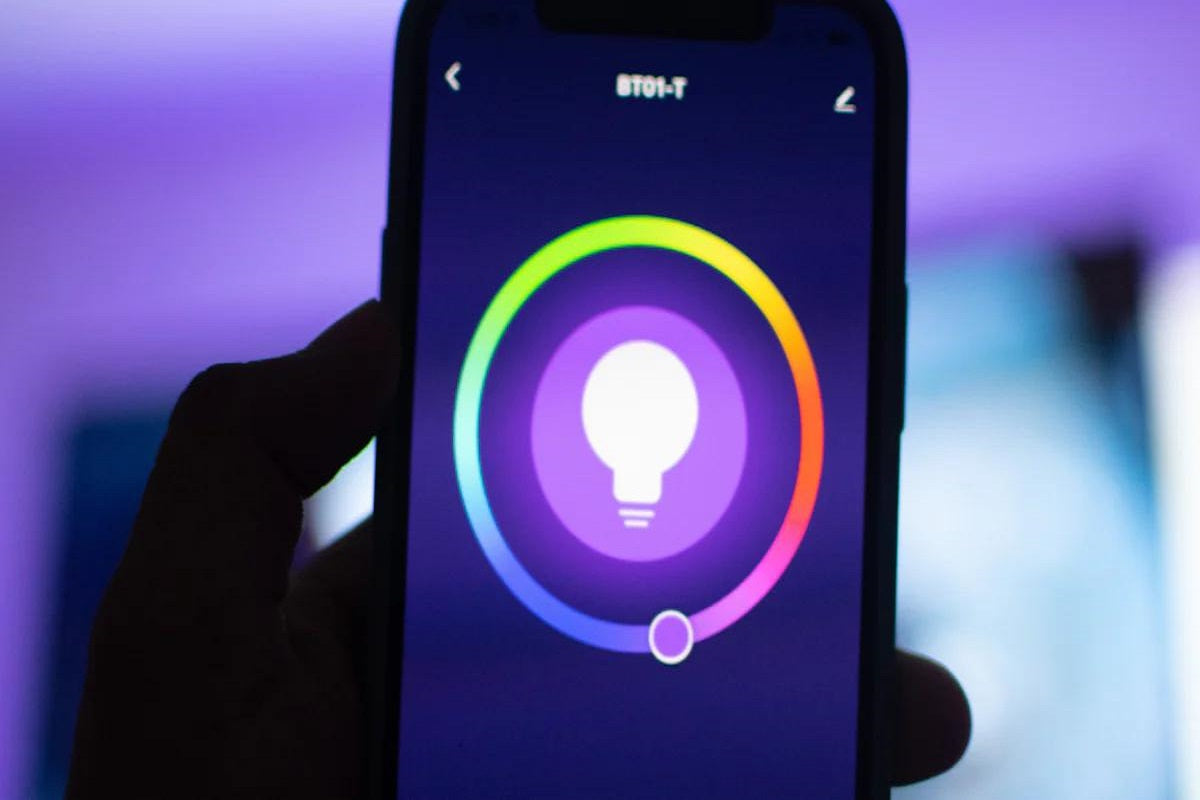
Image note: the cover shows a generic colour-selection interface, not the Tapo app or a verified lamp/app pairing.
Frequently asked questions
Why do two colour-changing lamps look different on the same setting?
Record each model and the selected mode. Check their documented functions and ranges before assuming a fault; a shared app label does not establish an identical result.
Does dimming in an app mean my wall dimmer is compatible?
No. Check the exact lamp and control system with the manufacturer. A brightness slider or dimmable label does not establish every wall-dimmer pairing.
Should I reset a light immediately when the colour changes unexpectedly?
First record the symptom, time, mode and any visible schedules or effects. Follow the model’s troubleshooting guidance rather than assuming a reset is the correct first step.
Sources and next steps
Sources: DOE colour-tuning definitions, VARILIGHT dimmer guidance and UK Tapo L530B V1 page. Documentary examples do not verify supplied stock, a complete installation or UK conformity.
Read lamp and dimmer checks and colour-function guide.