
Is your heating system smarter than your WiFi router? If you are tired of "Cloud Not Found" errors when you're just trying to warm up your living room, you are not alone. For the Home Assistant enthusiast in 2025, relying on proprietary apps for heating is a non-starter.
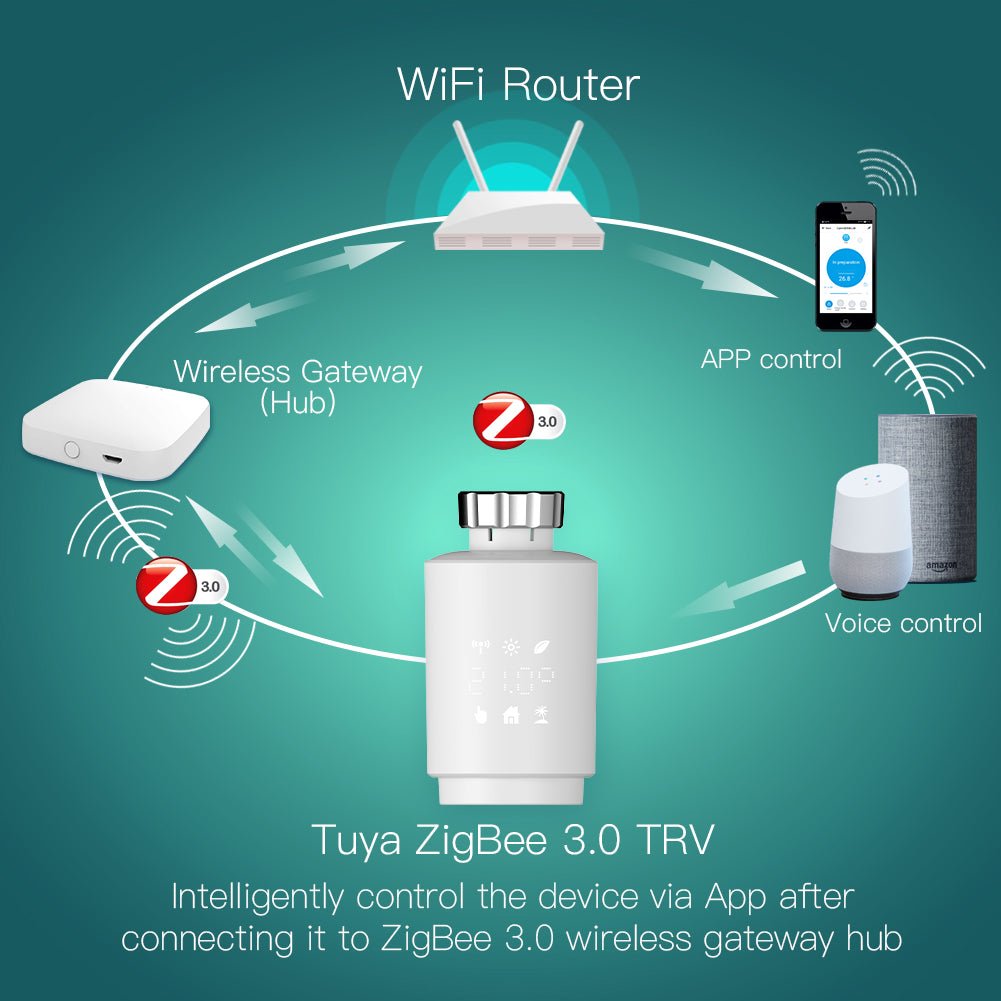
Integrating a Zigbee smart radiator valve via MQTT allows for a vendor-agnostic, low-latency heating system. By using a bridge like Zigbee2MQTT, users can translate Zigbee signals into MQTT messages, enabling granular control via voice assistants and automation platforms without external internet dependencies. This guide covers hardware selection, the MQTT bridge setup, voice integration, and optimization for maximum efficiency.
Why Choose a Zigbee Smart Radiator Valve with MQTT?
Zigbee-to-MQTT integration for radiator valves reduces command latency by up to 80% compared to cloud-based hubs while ensuring 100% data privacy through local-only communication.
In the smart home landscape of 2025, "Edge AI" and local processing are the dominant trends. While Matter over Thread is gaining traction, Zigbee + MQTT remains the gold standard for "power users" who demand absolute control over their heating logic. Here is why you should ditch the proprietary hub:
- Privacy First: Your heating schedule is your business. With MQTT, no data leaves your local network to a third-party server.
- Interoperability: Mix and match hardware. You can have a Lumimuse Zigbee TRV in the lounge and a Danfoss in the bedroom, all controlled by the same logic.
- Speed: Voice commands are executed instantly. There is no round-trip to a server in China or the US just to change the setpoint by 1 degree.

Step-by-Step: Configuring Your Zigbee Smart Radiator Valve MQTT Setup
Configuring a Zigbee TRV involves pairing the device with a coordinator dongle and mapping its specific data points (clusters) to MQTT topics in your broker configuration.
1. Hardware Essentials
To get started, you will need a reliable foundation. In 2025, the hardware landscape has stabilized around a few key players:
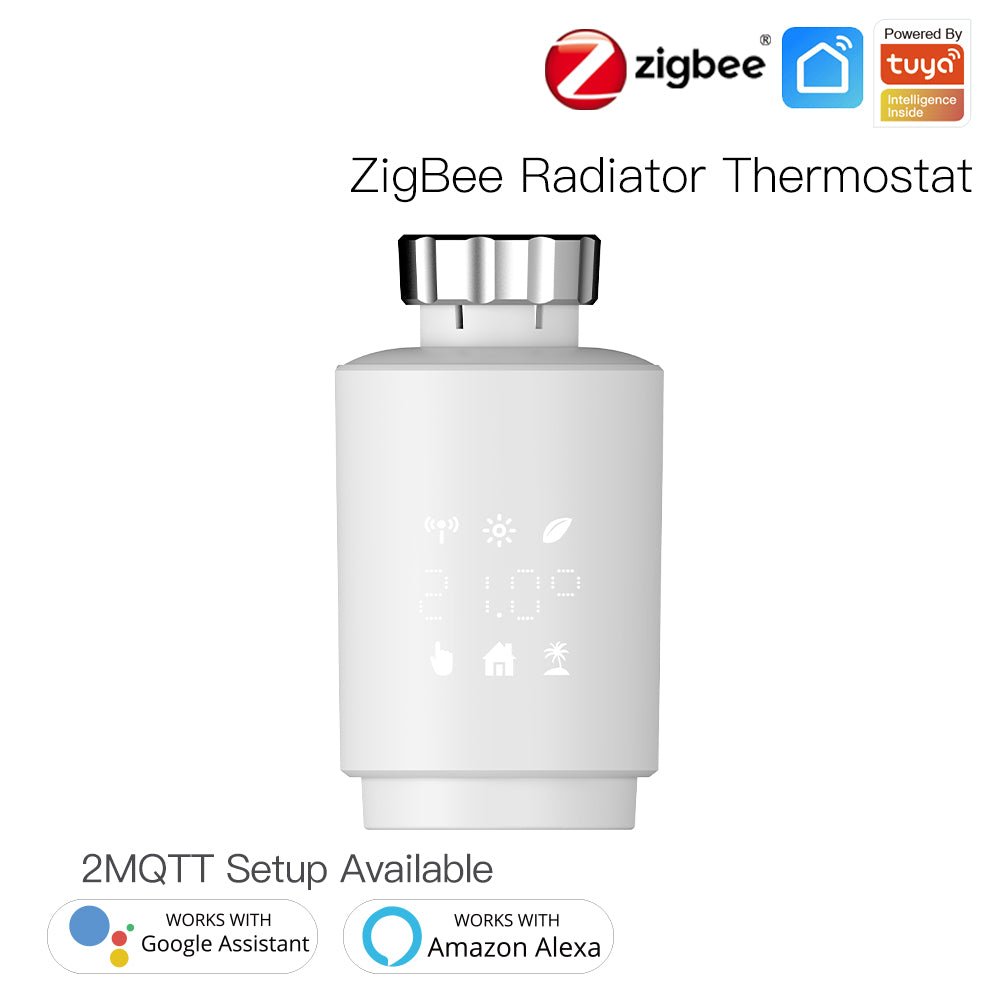
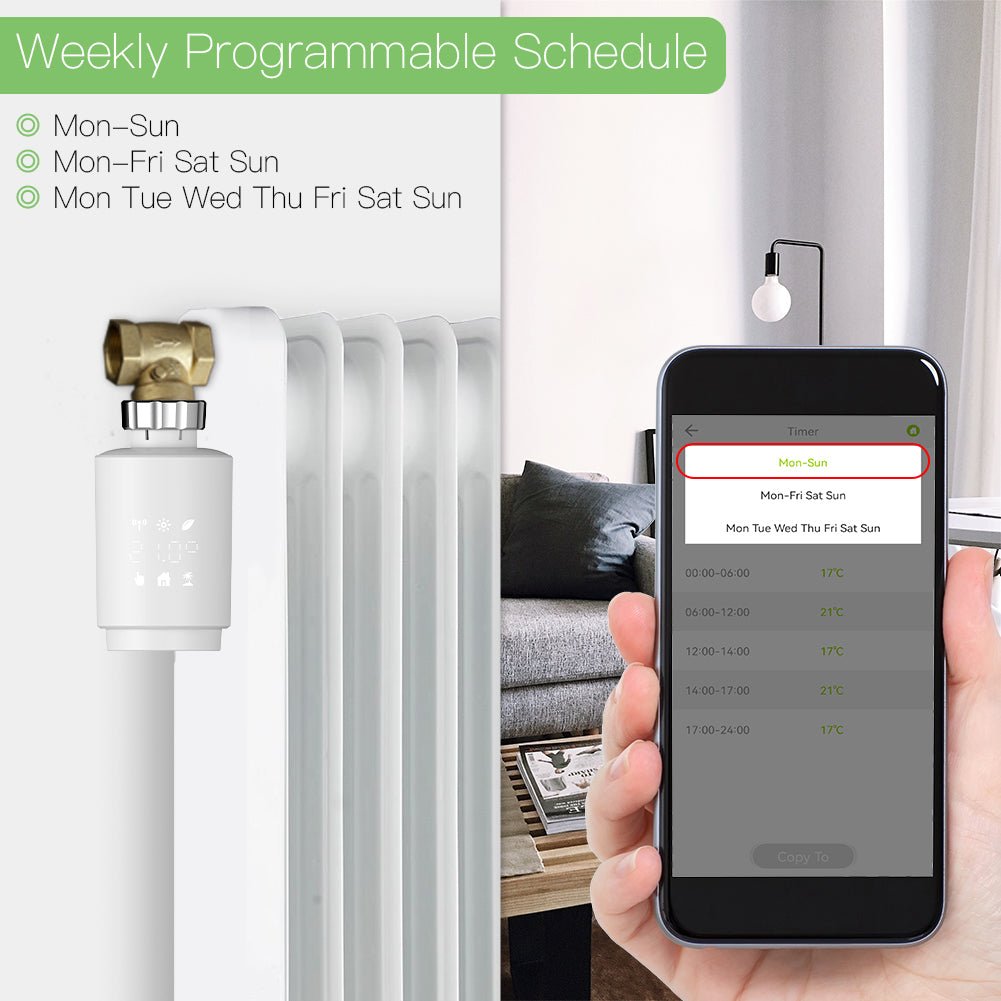
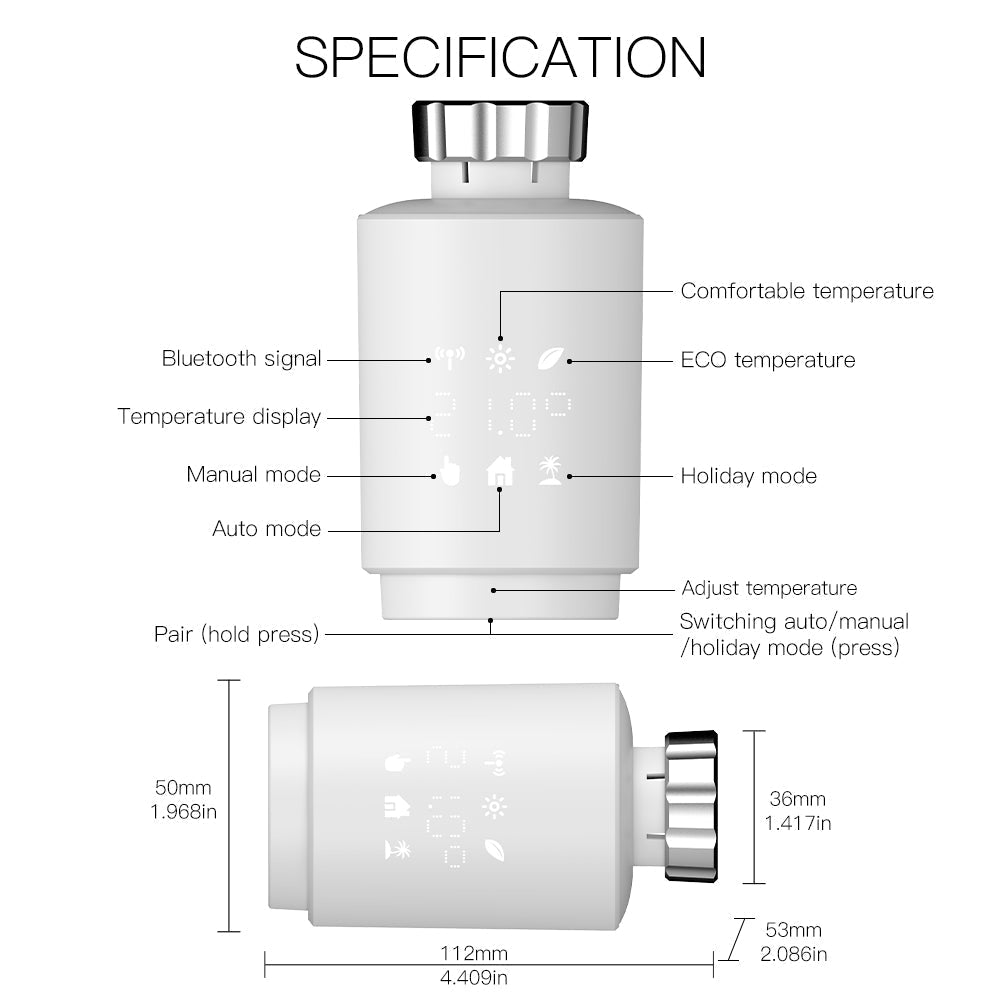
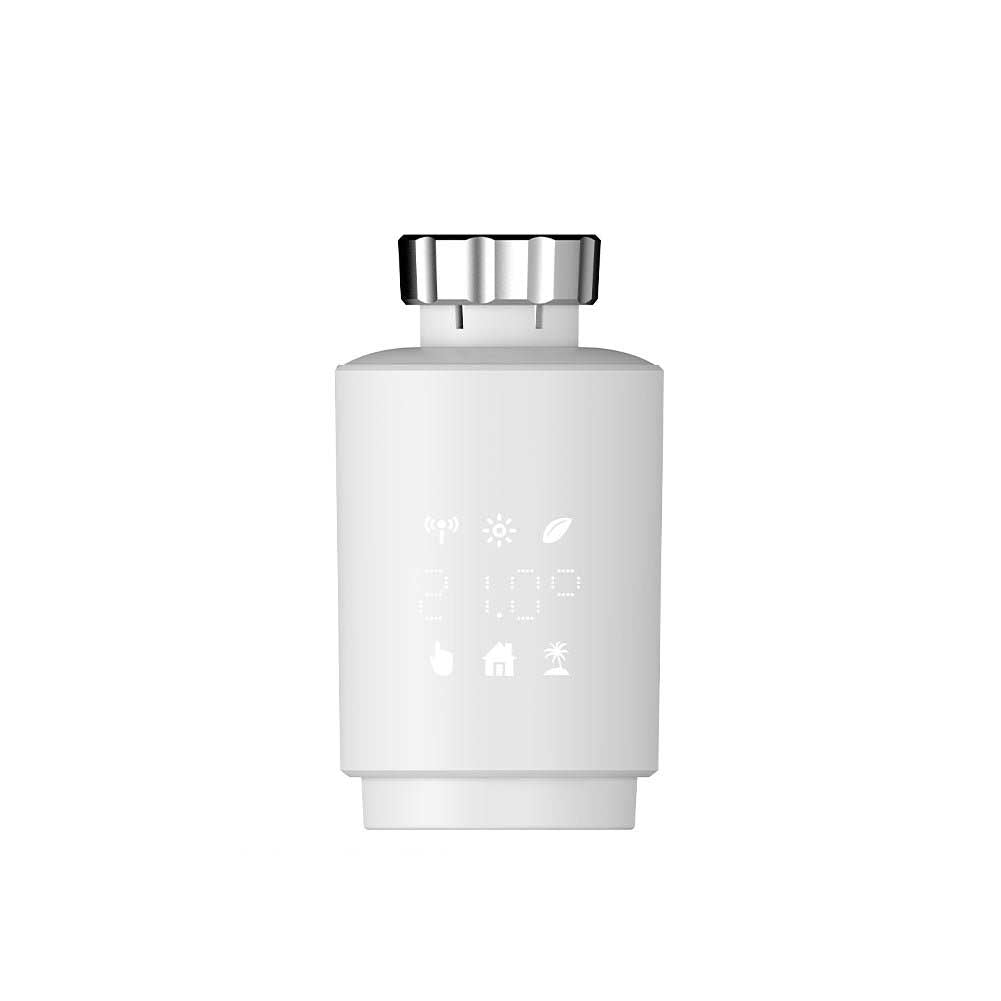
- The Valve: A Zigbee 3.0 compliant TRV. The Zigbee Smart Thermostat Radiator Valve is a popular choice due to its clear LED display and external sensor accuracy.
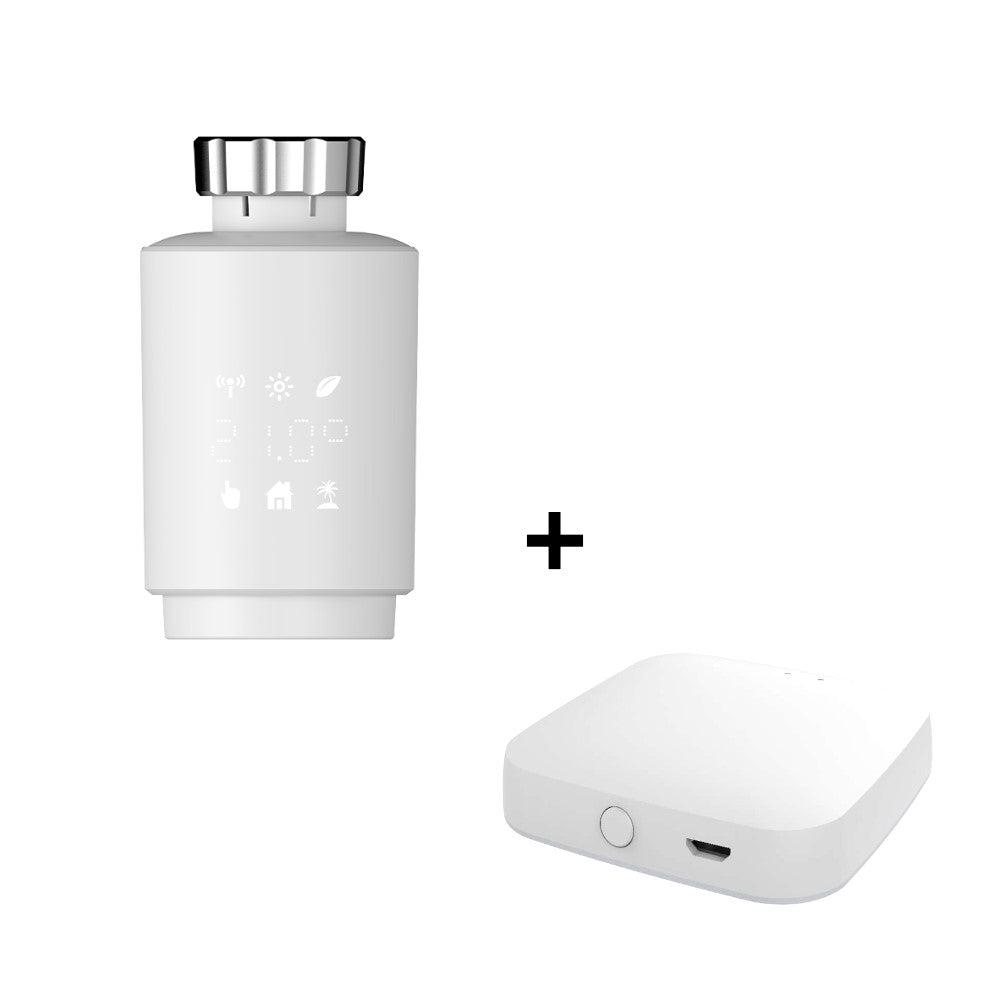
- The Coordinator: A USB stick that acts as the "brain." The Home Assistant Connect ZBT-2 or the classic Sonoff ZBDongle-E are top recommendations.
- The Server: A Raspberry Pi 5 or a Mini PC running Home Assistant OS with the Mosquitto Broker add-on.
2. Setting up the MQTT Bridge (Zigbee2MQTT)
If you are using Zigbee2MQTT (Z2M), pairing is often smoother than ZHA for Tuya-based devices. Once your coordinator is running:
- Enable "Permit Join" in the Z2M dashboard.
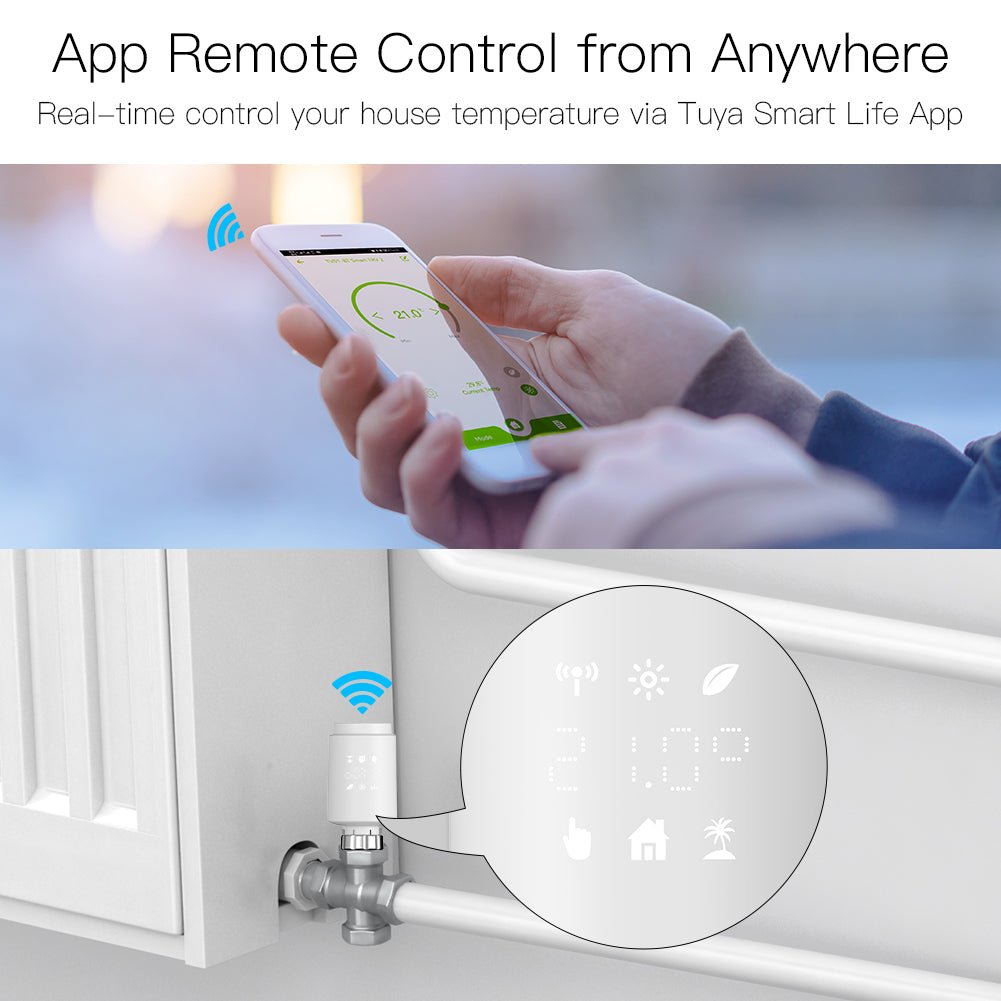
- Press the pairing button on your TRV (usually holding the "Home" or "Set" button for 5 seconds until the WiFi/Zigbee icon flashes).
- Wait for the device to interview. It should be recognized as a `TS0601` or similar model.
3. Mapping MQTT Topics for Heating Control
Once paired, the device communicates via JSON payloads. Understanding these topics is crucial for custom automations. If you are interested in how this automation logic applies to other devices, check our guide on how smart lighting works.
| Function | MQTT Topic Example | Typical Payload |
|---|---|---|
| Set Temperature | zigbee2mqtt/LivingRoom_TRV/set |
{"current_heating_setpoint": 21.5} |
| System Mode | zigbee2mqtt/LivingRoom_TRV/set |
{"system_mode": "auto"} (or heat/off) |
| Child Lock | zigbee2mqtt/LivingRoom_TRV/set |
{"child_lock": "LOCK"} |
| Calibration | zigbee2mqtt/LivingRoom_TRV/set |
{"local_temperature_calibration": -1} |
Pro Tip: Use the `local_temperature_calibration` topic to offset the reading if your valve is located behind a curtain or near a drafty window. This ensures the Zigbee thermostat reduces heating inefficiencies effectively.

Enabling Voice Control for Your MQTT Radiator Valves
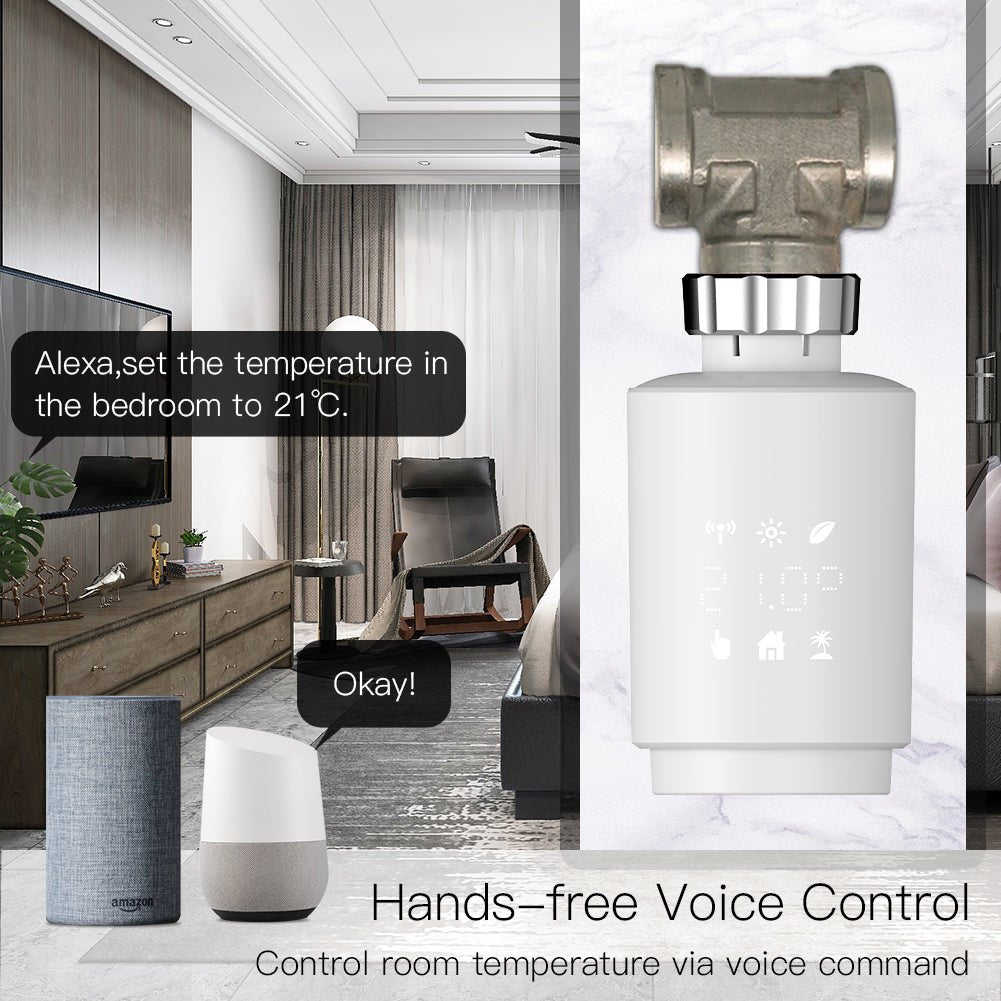
Home Assistant exposes MQTT entities to voice assistants by treating them as generic climate devices, allowing you to say "Alexa, set the office to 20 degrees" without a vendor-specific skill.
With the release of Home Assistant's 2025 updates, "Assist" (the local voice assistant) has become powerful enough to handle these commands entirely offline. However, if you prefer Alexa or Google Assistant:
- Navigate to Settings > Voice Assistants in Home Assistant.
- Expose the `climate.living_room_trv` entity created by your MQTT integration.
- Sync your devices.
This setup works similarly to integrating voice-controlled LED lights, creating a unified ecosystem where one command can dim the lights and boost the heat for a movie night.

Best Zigbee TRVs for MQTT Integration: Comparison
The best Zigbee TRV for MQTT combines silent motor operation, quick response times to Zigbee commands, and accurate internal temperature sensors.
Not all valves are created equal. Here is how the popular options stack up in the 2025 market:
| Feature | Lumimuse / Tuya Smart TRV | Danfoss Ally | Sonoff TRVZB |
|---|---|---|---|
| Protocol | Zigbee 3.0 | Zigbee 3.0 | Zigbee 3.0 |
| Motor Noise | Low (<30dB) | Very Low | Medium |
| Battery Life | 12-18 Months (2xAA) | 12-18 Months | 12 Months |
| MQTT Support | Excellent (via Z2M) | Good | Good |
| External Sensor | Yes (Native support) | Yes | Via Bindings |
What Users Say
"Finally, Silence in the Bedroom!"
— Mark T., Home Assistant Forum
"I switched from an older noisy model to these curved Zigbee valves. The WAF (Wife Approval Factor) is through the roof because they don't wake us up when the heating kicks in at 6 AM."
"MQTT Setup was a Breeze"
— Sarah L., DIY Automation Blog
"I was worried about using a Tuya device without their hub, but Zigbee2MQTT picked it up immediately. The `system_mode` exposes perfectly to my dashboard."
"Great Energy Savings"
— James R., Verified Buyer
"Using the window detection feature via MQTT automation has saved me about 15% on gas this winter. The valve closes instantly when I open the window to air out the room."
📺 Related Video: How to set up Zigbee Smart Thermostat Radiator Valve Energy Saving 2MQTT Digital Timer Voice Remote Control TRV in Home Assistant
Frequently Asked Questions (FAQ)
Can I use any Zigbee radiator valve with MQTT?
Yes, provided the valve is supported by Zigbee2MQTT or DeCONZ. Most Tuya-based (like the TS0601 series) and Danfoss valves are fully compatible and have well-documented converter files that translate their data into MQTT topics.
Do I need a specific Zigbee hub?
No, you need a generic Zigbee Coordinator (like a USB dongle) rather than a brand-specific hub (like the Tuya Gateway) to use MQTT effectively. This allows you to control devices from different brands with one radio stick.
Does MQTT heating work if the internet goes down?
Yes. Since MQTT is a local protocol running on your internal network, your automations and local voice controls will continue to function perfectly even during an ISP outage.
What is the best polling interval for a Zigbee smart radiator valve?
Zigbee TRVs are "sleepy" end devices. You generally do not "poll" them; instead, they wake up and report state changes (like temperature shifts) automatically to save battery life. Aggressive polling will drain your AA batteries in weeks.
Can I control multiple valves as a single group in MQTT?
Yes, by using MQTT "Groups" or Home Assistant "Climate Groups," you can synchronize setpoints across a large room. If you change the temperature on the "Living Room Group," all three radiator valves will receive the command simultaneously.
Conclusion

Moving to a Zigbee smart radiator valve MQTT setup is the "pro-tier" move for home automation in 2025. It offers unmatched reliability, absolute privacy, and integrates seamlessly with modern voice control systems. Whether you are using the Lumimuse Zigbee TRV or mixing brands, the control is finally in your hands—not the cloud's.
Ready to automate your heating? Check out our recommended hardware above or explore our other guides on smart home efficiency.