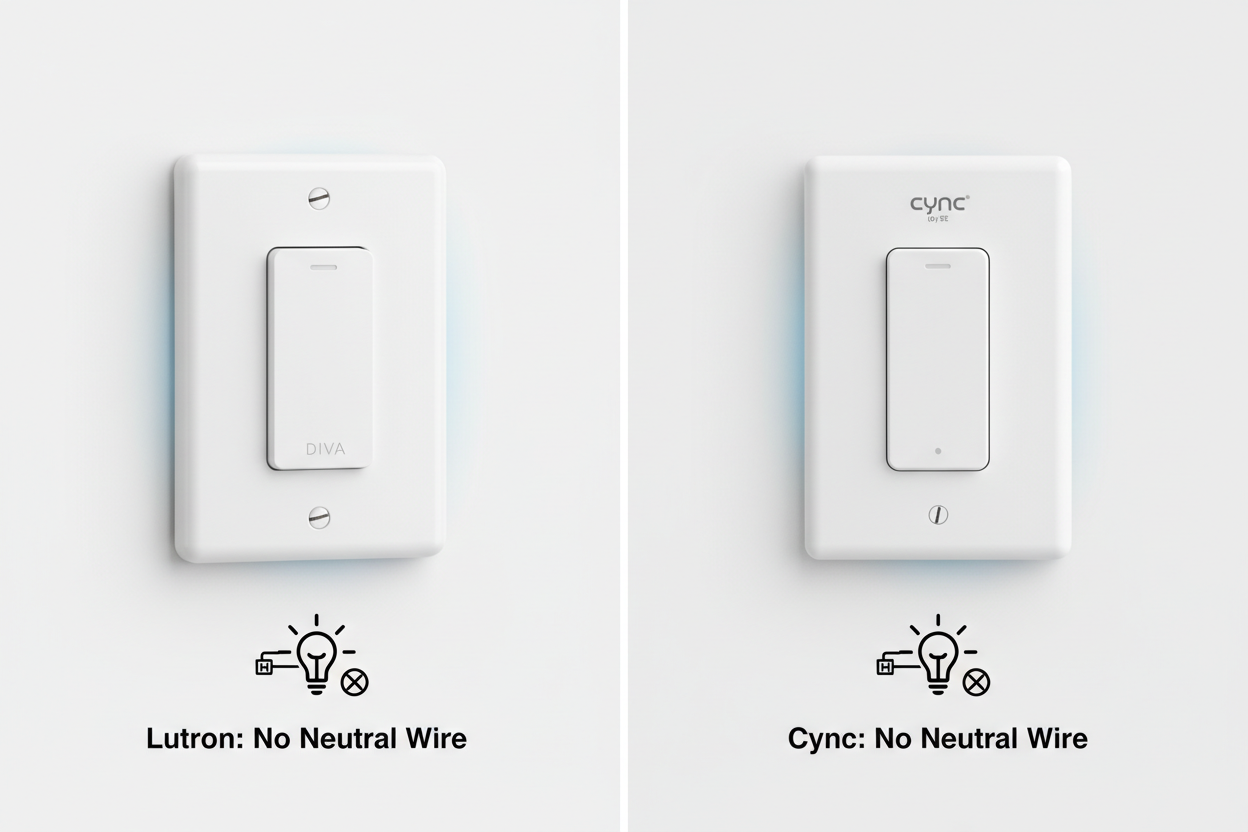
If you own a home built before 1985, you likely know the frustration: you buy a smart switch, open the electrical box, and find only two wires—Line and Load. No white neutral wire.
For years, the industry offered two solutions: rewire your house (expensive) or buy a Lutron Caséta system (reliable but pricey). Recently, Wi-Fi options like Cync by GE (formerly C by GE) have entered the market, promising a "hub-free" experience.
But there is a hidden variable most reviews ignore: Your Walls.
In this guide, we analyze the physics of a no neutral smart switch, compare the market leaders (**Lutron vs. Cync**), and introduce a third option that solves the specific "Bypass Capacitor" headache that plagues Wi-Fi switches.
1. The Physics of "No Neutral": How They Stay Powered
To understand which switch will fail in your home, you must understand Leakage Current.
Standard smart switches use a neutral wire to complete their own power circuit, staying "online" 24/7. No-neutral switches do not have this return path. Instead, they trickle a tiny amount of electricity (leakage current) through your light bulb to complete the circuit, even when the light is "off."
The "Ghosting" Risk
This creates a problem for modern LED bulbs. Because LEDs are so efficient, this tiny trickle of power can cause them to:
- Flicker (strobing effect).
- Ghost (glow faintly when off).
- Buzz (audible noise from the driver).
To fix this, manufacturers use Bypass Adapters (or dummy loads)—resistors installed at the light fixture to absorb this current. This is where the user experience between Lutron, Cync, and newer competitors diverges.
2. Lutron Caséta vs. Cync: The Head-to-Head
📺 Related Video: Lutron Caseta vs Cync by GE no neutral switch review
Lutron Caséta (The RF Gold Standard)
Lutron uses a proprietary radio frequency called Clear Connect Type A (434 MHz). It requires a Smart Bridge (Hub) plugged into your router.
- Pros: The 434 MHz frequency is a "low band" signal. It penetrates dense materials (brick, stone, plaster) effortlessly.
- Cons: High entry price ($100+ for a starter kit).
- The Wiring Reality: Lutron’s dimmer (PD-6WCL) has a very low minimum load requirement. It works with most dimmable LEDs right out of the box. However, for extremely low-wattage fixtures (<25W), you may still need to install the LUT-MLC adapter.
Cync by GE (The Wi-Fi Challenger)
Cync uses Wi-Fi (2.4 GHz) and Bluetooth. It connects directly to your router—no hub required.
- Pros: Cheaper upfront; no extra hub taking up an ethernet port.
- Cons: Wi-Fi is power-hungry. To keep the Wi-Fi radio alive without a neutral wire, Cync pulls more leakage current.
-
The Wiring Reality: Cync has a strict 15-Watt Minimum Load.
- The Pain Point: If your fixture (e.g., a single LED hallway light) draws less than 15W, or if the bulbs are "smart," you MUST install the included Bulb Adapter at the fixture. This means climbing a ladder, removing the glass dome, and wiring a capacitor across the socket.
3. The "Wall Density" Factor: Information Gain
Why do some users report Cync switches going "offline" frequently? The answer often lies in the construction of pre-1950s homes.

Plaster and Lath = Faraday Cage
Before drywall became standard, walls were built using Plaster and Lath. Often, this lath was reinforced with Chicken Wire or Expanded Metal Mesh.
- Wi-Fi (2.4 GHz): Metal mesh acts as a Faraday Cage, blocking or severely attenuating high-frequency Wi-Fi signals. If your switch is in a metal electrical box inside a metal-lath wall, a Wi-Fi switch (like Cync) may struggle to maintain a connection to your router.
- Lutron (434 MHz): The lower frequency wavelength (~70cm) is better at diffracting around the metal mesh gaps than the shorter Wi-Fi wavelength (~12cm).
Verdict: If your home has metal lath walls, Lutron is the only "set and forget" option. If you have drywall or wood lath, Wi-Fi switches are viable.
4. The Modern Alternative: No Hub & No Capacitor?
While Lutron wins on reliability and Cync wins on price, a new category of High-Efficiency Wi-Fi Switches has emerged to bridge the gap.

The LumiMuse WiFi Smart Switch (No Neutral) addresses the two biggest complaints of the giants:
- Beats Lutron: It requires No Hub.
- Beats Cync: It requires No Capacitor (for loads > 7W).
How It Works
By optimizing the internal power management, the LumiMuse switch lowers the minimum load requirement to 7 Watts (compared to Cync's 15W).
- Result: For a standard 9W LED bulb, you can install the LumiMuse switch without wiring a bypass adapter at the ceiling.
- Installation: It fits into the shallow metal boxes found in older homes (105mm depth) and uses a fire-retardant shell.
- Ecosystem: It runs on the Tuya/Smart Life platform, making it natively compatible with Alexa and Google Home without a proprietary bridge.
5. Entity Comparison Table
| Feature | Lutron Caséta | Cync by GE | LumiMuse Smart Switch |
|---|---|---|---|
| Protocol | Clear Connect RF (434 MHz) | Wi-Fi (2.4 GHz) | Wi-Fi (2.4 GHz) |
| Hub Required? | Yes (Smart Bridge) | No | No |
| Neutral Wire? | No | No | No |
| Min. Load (No Adapter) | ~25W (varies by bulb) | 15 Watts | 7 Watts |
| Bypass Adapter? | Optional (LUT-MLC) | Mandatory (<15W) | Not Required (>7W) |
| Wall Penetration | Excellent (Plaster/Lath Safe) | Moderate (Drywall Best) | Moderate (Drywall Best) |
| 3-Way Setup | Pico Remote (Wireless) | Wireless Grouping | Single Pole Only |
| Price Point | High ($$$) | Low ($) | Budget ($) |
6. What Users Say (User Generated Content Analysis)
We analyzed forums and reviews to find the real-world pain points for these entities:

- The "Capacitor" Complaint: Cync users frequently mention the annoyance of the bulb adapter. “I bought the switch to save time, but ended up spending an hour taking down my ceiling fixture to install the dummy load.”
- The "Hub" Resistance: Users love Lutron’s performance but hate the proprietary hub. “I have Eeros, Hue Bridge, and now a Lutron Bridge. My router looks like a spider web.”
- The Single-Pole Limitation: Users note that while Wi-Fi switches (like LumiMuse and Cync) are great for bedrooms, they lack the easy 3-way retrofit capability of Lutron’s Pico remotes.
7. The Verdict: Which Fits Your Old Home?
Your choice should depend on your Wiring, Walls, and Wallet.
1. Choose Lutron Caséta If:
- You have Plaster and Lath walls with metal mesh (Wi-Fi killer).
- You need to control a light from multiple locations (3-Way) without running new traveler wires.
- Budget: You are willing to pay for 100% reliability.
- Recommended Setup: Caséta Starter Kit with Smart Bridge.
2. Choose Cync by GE If:
- You have Drywall construction.
- The fixture controls multiple bulbs (Total Load > 15W).
- You are already invested in the "Cync" ecosystem.
3. Choose LumiMuse If:
- The "Goldilocks" Scenario: You want the low cost of Wi-Fi but refuse to install a capacitor at the ceiling.
- You have a single-pole setup (one switch controls the light).
- Your lighting load is low (e.g., a single 9W LED bulb) which would force a capacitor install on Cync, but works natively on LumiMuse.
- Recommended Product: WiFi Smart Switch No Neutral, Push Button.
Final Takeaway
For older homes, the wiring isn't the only constraint—the density of your walls and the wattage of your bulbs dictate the winner. Lutron conquers the walls; LumiMuse conquers the low-wattage LED annoyance without the premium price tag.
If you are looking for broader compatibility, check out our guide on Best Smart Light Switches or explore ZigBee Smart Light Switches for other hub-based alternatives.